Plan with a real number
Start with a clear monthly limit instead of a vague goal.
Set a monthly amount, record what you spend, and see the remaining balance change as life happens.
Available on the App Store for iPhone.

Budget Planner BPT combines a monthly spending limit with quick expense entry and a clear history, so your plan stays connected to your purchases.
THE MONTH AT A GLANCE
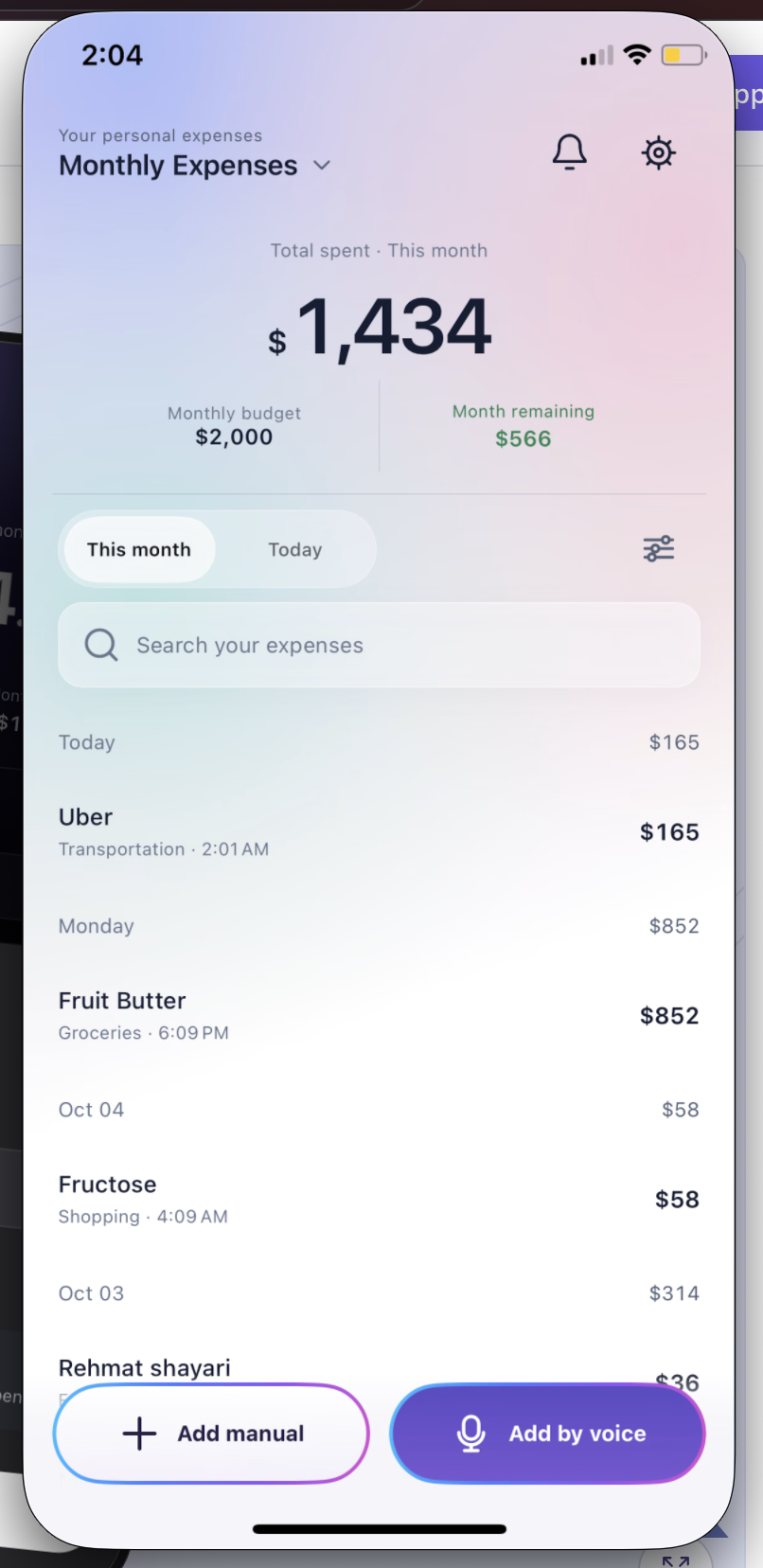
A budget is useful when you can compare it with real spending. Keep your limit, recent expenses, and remaining amount in the same view.
Illustrative example. Your own numbers change as you log expenses.
HOW IT WORKS

Choose the amount you want to spend this month.
Enter purchases manually or use a short voice entry.
Review the running total before your next purchase.
BUILT FOR THE REAL MOMENT

Start with a clear monthly limit instead of a vague goal.
Categories and expense history show where the money went.
Check spent and remaining amounts whenever plans change.
GOOD TO KNOW
It helps you set a spending limit, record purchases, and see how much of that limit remains.
Yes. Budget Planner BPT keeps your expense entries and monthly budget together.
Enter it manually or use a short voice phrase with its name and amount.
BUDGET PLANNER BPT
Google Play · Coming soon