Manual when you want it
Enter an expense directly without waiting to remember it later.
Add the coffee, ride, groceries, or bill while it is fresh. Your spending history stays easy to find later.
Available on the App Store for iPhone.

An expense tracker gives everyday purchases a clear record. Budget Planner BPT lets you add an amount, see the category, and review the history when you need it.
CAPTURE THE MOMENT
Small purchases add up quietly. Logging them when they happen makes your history more useful than trying to reconstruct it later.
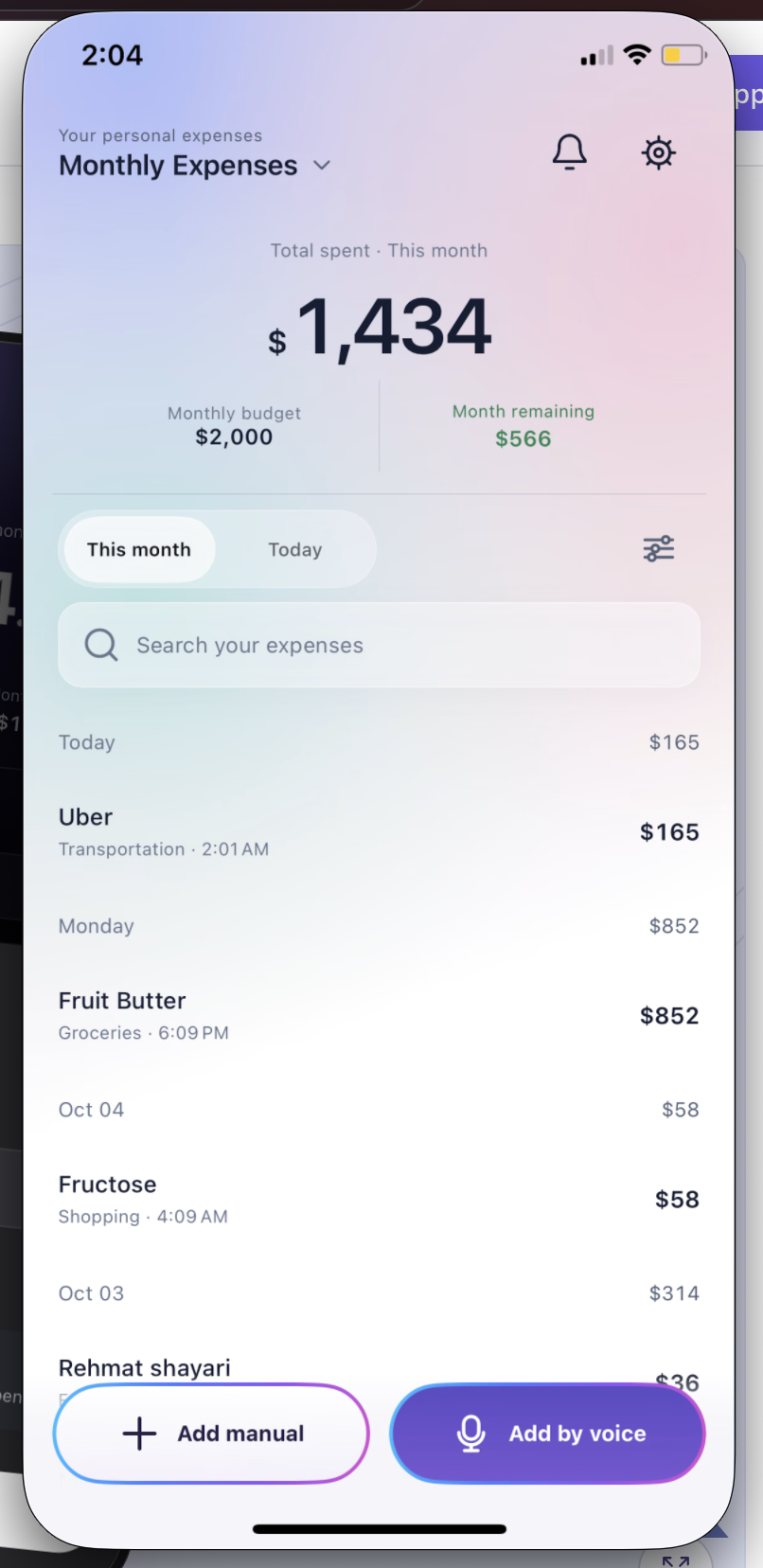
Example entries illustrate the simple record you can build.
HOW IT WORKS

Type the name and amount, or speak a short entry.
Choose a category that makes sense for the expense.
Use your history and filters to review what you spent.
BUILT FOR THE REAL MOMENT

Enter an expense directly without waiting to remember it later.
Say a short name and amount, such as “Uber 25”.
See the expense, amount, and category together.
GOOD TO KNOW
Add each purchase soon after it happens. Start with its name and amount, then choose a category.
The approved app screens show date and category filters for reviewing expense history.
No. Manual entry is available too.
BUDGET PLANNER BPT
Google Play · Coming soon