Built for ordinary purchases
Track food, transport, shopping, and other daily spending.
A few quick entries can turn a scattered day of purchases into a clear picture.
Available on the App Store for iPhone.

A daily expense tracker records the purchases that are easiest to forget. Budget Planner BPT groups recent entries into a readable history.
THE SMALL STUFF COUNTS
You do not need to wait for a monthly review to understand the day. Record each purchase near the moment it happens.
Illustrative example: $6 + $25 + $48 + $31 = $110.
HOW IT WORKS
Enter the name and amount as soon as you can.
Keep similar purchases together for later review.
Look back at recent entries instead of relying on memory.
BUILT FOR THE REAL MOMENT

Track food, transport, shopping, and other daily spending.
Use manual entry or a short voice phrase.
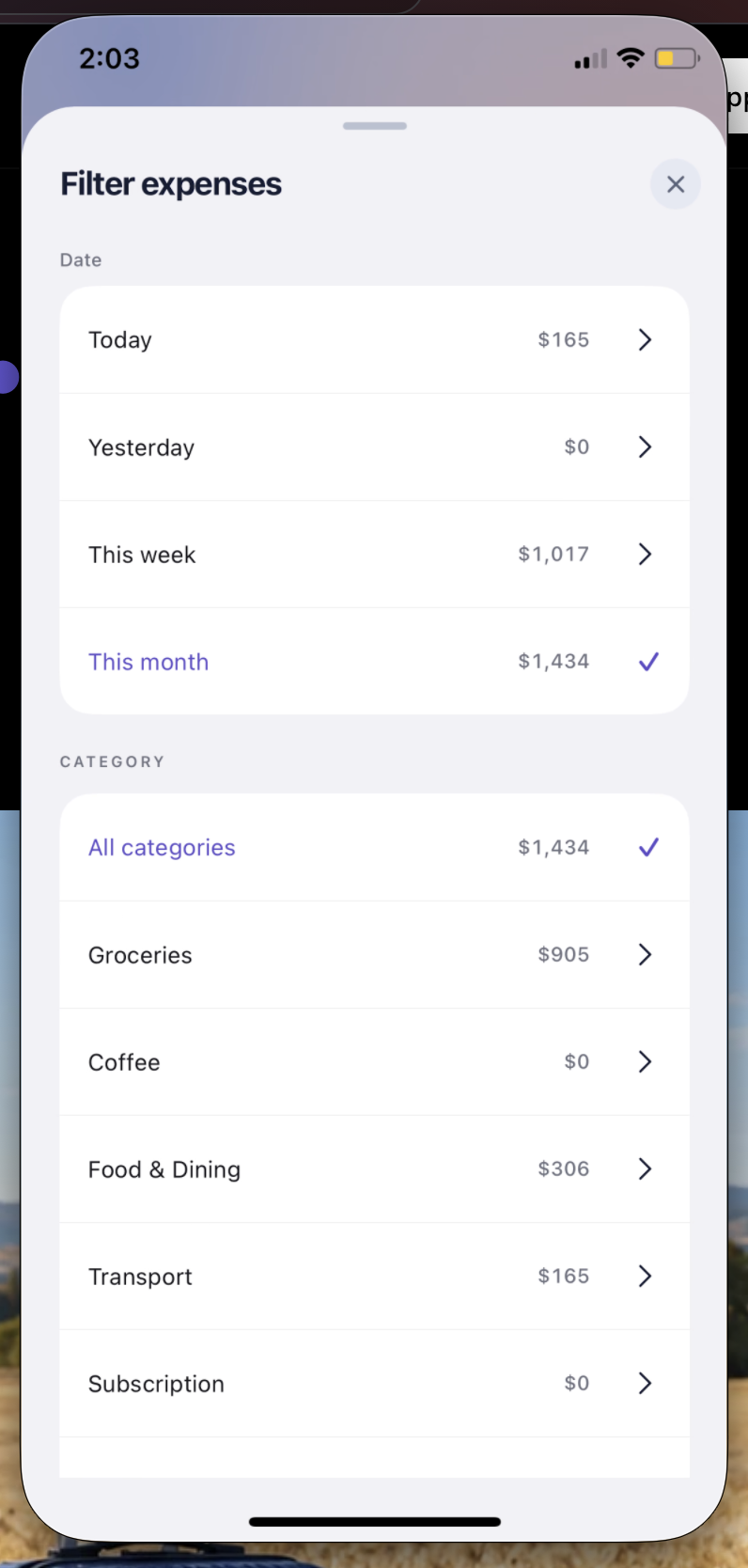
Daily entries become an expense history you can review later.
GOOD TO KNOW
Record purchases you want included in your spending view, such as meals, rides, groceries, and shopping.
Yes. A short phrase such as “Coffee 6” can start an expense entry.
Open your expense history and use the available date and category filters.
BUDGET PLANNER BPT
Google Play · Coming soon