Quick after a purchase
Capture an expense while it is still fresh.
When typing is inconvenient, speak the purchase name and amount. That is enough to get started.
Available on the App Store for iPhone.

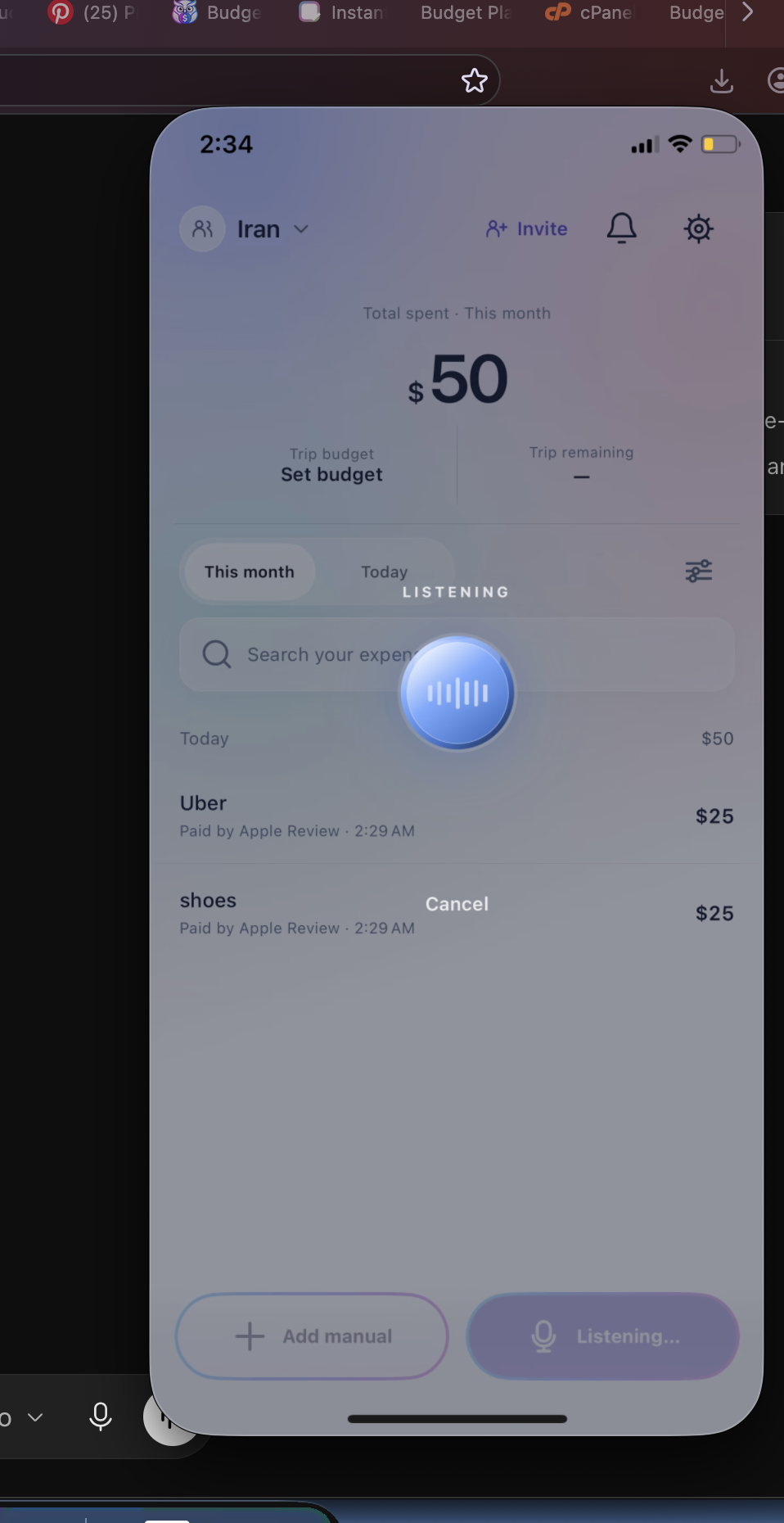
Voice expense entry works best with a short phrase: NAME + AMOUNT. Try “KFC 20”, “Uber 25”, or “Coffee 6”. Review the entry before you save it.
THE SHORT VERSION
A brief entry is easier to say and easier to check. Speak the expense, look over the recognized result, then continue with your day.
Recognition can vary by environment and device; review an entry before saving.
HOW IT WORKS

Use the voice action when you want to avoid typing.
Say the purchase name, then the amount.
Confirm the details are right before saving.
BUILT FOR THE REAL MOMENT

Capture an expense while it is still fresh.
“Uber 25” is more useful than a long sentence.
Type the expense whenever you prefer.
GOOD TO KNOW
Keep it short: name plus amount, such as “Coffee 6”.
No. Short entries are the recommended approach.
No. Check the interpreted details before you save an entry.
BUDGET PLANNER BPT
Google Play · Coming soon